

Best Online PDF Watermarking Tools in 2026: Browser-Based Solutions Compared
You have options in 2026. Lots of them. Some tools watermark a hundred photos in five minutes flat. Others integrate with eSignatures, handle PDF forms, or run entirely offline. The tricky part? Most platforms look the same on the surface. Drag, drop, add text, done.
We tested browser-based solutions only. No desktop-only installs. The breakdown covers speed, privacy, extra features, and where each tool stumbles. Freelancers, agencies, legal teams, developers—someone here will fit your workflow. Just do not expect one perfect answer for everything.
1. Watermarkly
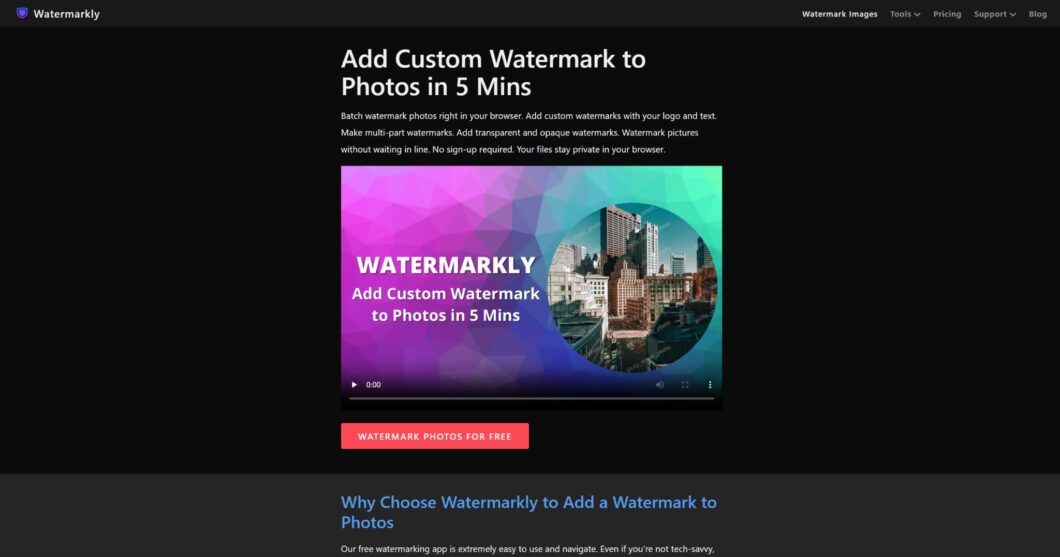
Watermarkly cares about speed first. You can watermark 100 photos in under five minutes. No account needed. Just drag files into your browser and start adjusting right away. Text or logo watermarks both work, with simple controls for positioning. Photographers, designers, marketers—anyone branding visuals fast will find it useful.
Batch processing? That’s where it gets good. Client deliverables, portfolio pieces, social media posts—upload dozens at once, apply one design, grab a single zip file when done. You also get resizing, conversion, compression, and cropping. Fix common stuff before watermarking without switching tabs or apps.
Key reasons this tool saves you time:
- No registration barriers or email confirmations
- Straightforward drag-and-drop from any folder
- One design applied across hundreds of images instantly
- Built-in resizing and compression before the watermark runs
These features remove the usual friction points in bulk editing workflows. You avoid switching between multiple applications or dealing with upload limits.
The platform doesn’t track user activity or require payment details. That matters for professionals handling sensitive client images. You finish the job, download the result, and close the tab—nothing lingers.
2. Visual Watermark
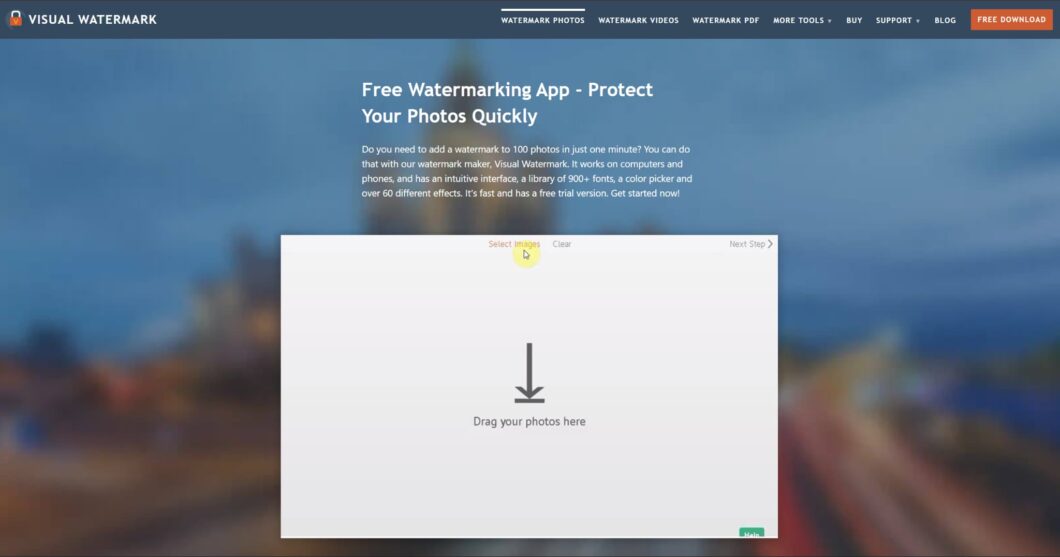
Visual Watermark started in 2005 and has spent twenty years perfecting a privacy-first approach. All processing happens directly in your browser or desktop app. No files ever go to external servers. This makes the platform ideal for legal professionals, healthcare providers, and anyone handling confidential documents. You can watermark photos, videos, and PDFs using the same interface, adding text or logo watermarks across multiple file types without switching tools.
The software’s longevity shows in its polish. Complete beginners find it intuitive, yet batch operations remain powerful. You can watermark up to 50k photos offline, adjust transparency and positioning with visual previews, and create copyright metadata that travels with your files. The desktop version runs entirely on your machine, so you eliminate upload wait times and bandwidth concerns. No cloud dependency means faster workflows for large jobs.
Key capabilities:
- Add text watermarks
- Insert logo watermarks
- Batch watermark photos
- Auto-size watermarks
- Create copyright metadata
The main limitation: pricing details aren’t publicly documented, requiring direct contact for cost evaluation, which may slow procurement for teams needing quick budget approval.
3. Sejda
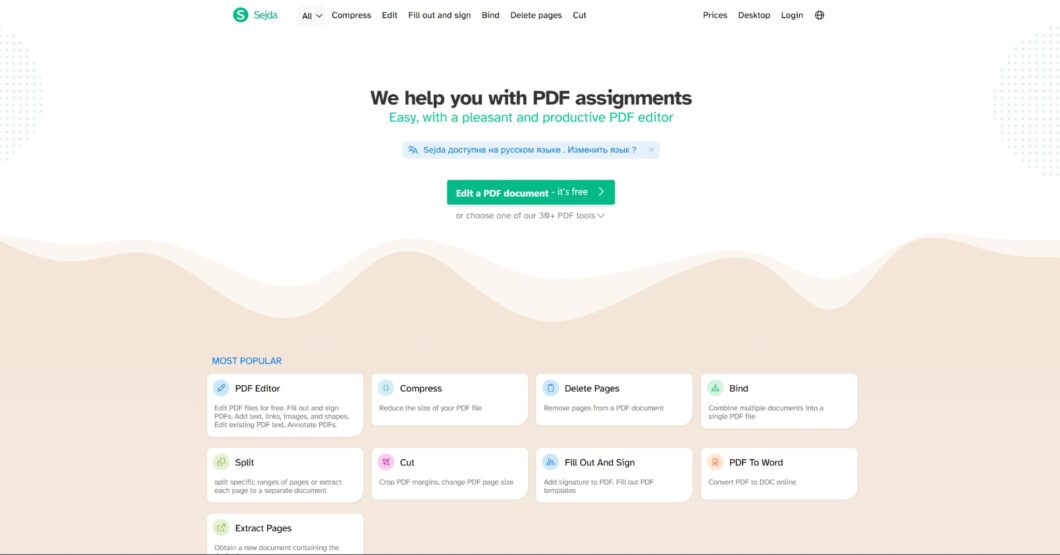
Sejda calls itself a simple PDF editor that actually feels nice to use. You can work online or offline. That flexibility beats most browser-only tools. The platform launched in 2010 and now offers over thirty PDF tools beyond watermarking: merge, split, compress, OCR, and convert documents without leaving the interface.
Small businesses and freelancers get real value here. You handle many PDF operations in one workflow, not scattered across different apps. The plans break down like this:
| Plan | Price | Access |
|---|---|---|
| Desktop+Web Free | $ 0 per user | Page and hourly limits |
| Web Monthly | € 850 per user per month | Unlimited web tools |
| Desktop+Web Annual | € 71 per user per year | Both platforms, 30% savings |
The trade-off: while feature-rich, the sheer number of tools can feel overwhelming for users who only need basic watermarking, and the interface prioritizes function over visual simplicity.
4. pdfFiller
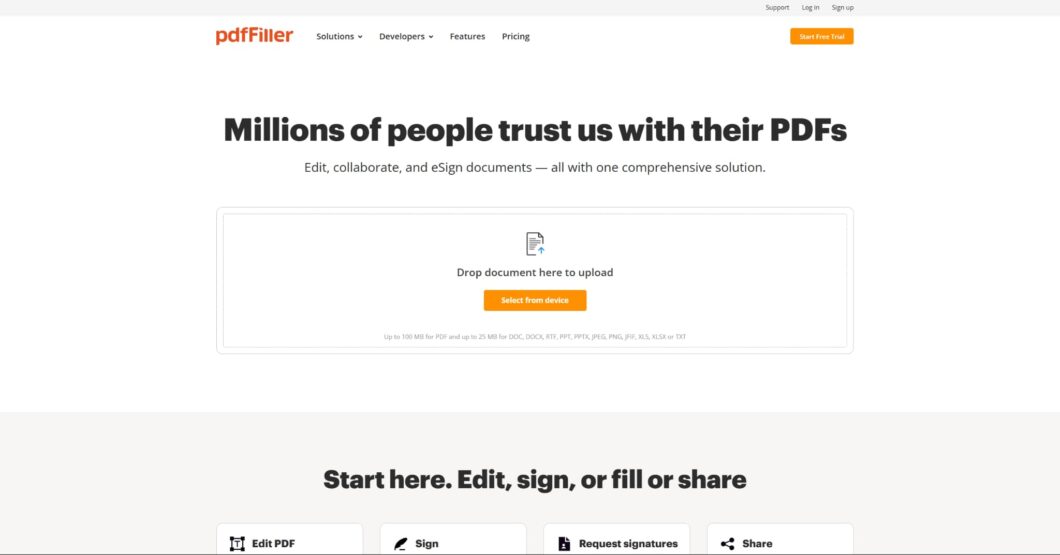
pdfFiller does not focus only on watermarking. It’s part of a bigger document system. Cloud-based. You edit, sign, and manage documents anywhere. Watermarking sits right next to eSignatures, approval workflows, and team sharing. Good fit for businesses where watermarked files go through client approvals, internal reviews, or compliance checks.
Customization works fine. Adjust size, orientation, color, and transparency. Add text or image watermarks. Preview before you apply. Keep things consistent across branded documents. The interface also runs on phones and tablets. Field teams or remote workers can watermark and route files without a laptop.
Pros:
- Full document lifecycle in one platform
- Cross-device consistency
- Built-in eSignature and sharing
Cons:
- No transparent pricing published
- Feature overlap may exceed the needs for watermark-only users
The platform’s strength—comprehensive document management—becomes a weakness if you’re simply looking for fast, focused watermarking without the surrounding infrastructure.
5. APITemplate.io
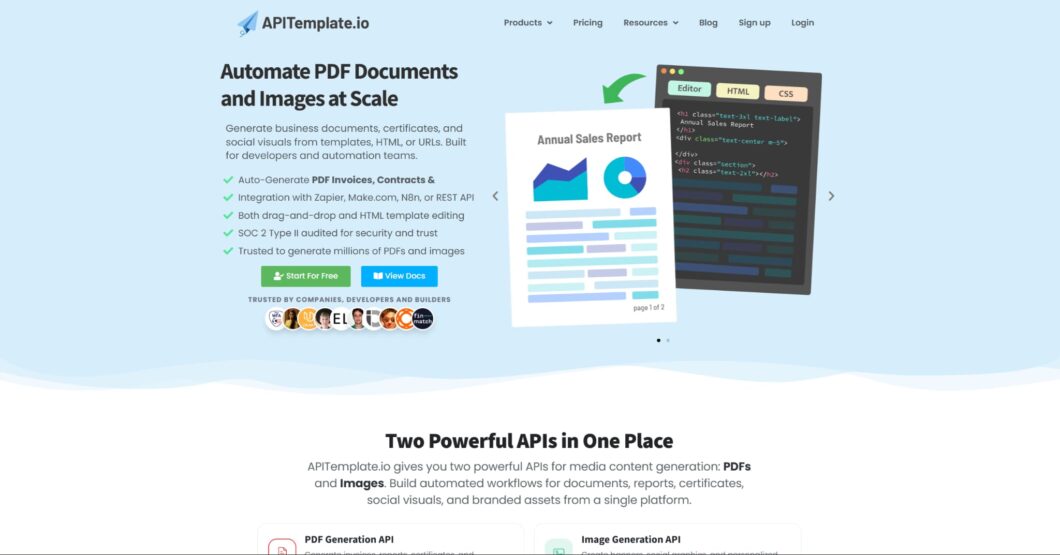
APITemplate.io operates in a different category—this isn’t a point-and-click watermarking tool but rather powerful APIs for developers and automation teams to generate business documents, certificates, and social visuals from reusable templates. Founded in 2020, the platform has already processed 30+ million generated files with 99.99% uptime, proving its reliability for mission-critical workflows.
The value proposition centers on automation: integrate watermarking into your application’s document pipeline via REST API, trigger generation from CRM events, or connect through Zapier, Make (formerly Integromat), or n8n. Visual drag-and-drop editors requiring no coding let non-technical team members design templates, while developers handle the integration logic. This separation of concerns makes it practical for SaaS companies, HR platforms, or any system that generates branded PDFs programmatically.
| Feature | Details |
|---|---|
| Template editors | Visual Editor/WYSIWYG, HTML Editor |
| Integrations | REST API, Zapier, Integromat, N8n, Airtable |
| Free tier | 50 images, PDFs /month, 3 Templates |
| Paid plans | PDF Basic: $ 19 Monthly, 3000 PDFs /month |
Here’s the catch: this tool needs actual coding skills. If you are not building software or setting up automated workflows, an API-first approach just gets in the way. Simple browser-based tools work better for most people.
Our rankings focus on tools that balance ease of use with solid output quality. We looked at documented features, processing models (browser-local vs. cloud), and how long each platform has been around. We skipped anything that lacks clear watermarking features or requires a desktop-only install with no browser access. Pricing transparency, integration options, and privacy models also mattered when companies provided those details. No fake case studies or made-up user numbers here—just real technical specs and published features. Last updated: 2026.
Top PDF Watermark Tools Compared
Adding watermarks to PDFs is standard now for freelancers, creators, businesses, and remote teams. Some tools focus on quick browser-based editing. Others lean into advanced workflows, offline processing, or automation. The differences are not always obvious at first glance, since most platforms offer similar basic features. The table below compares several popular PDF watermarking tools, their best use cases, and the type of processing they use:
| Tool | Best for | Founded | Key strength | Processing model |
|---|---|---|---|---|
| Visual Watermark | Privacy-conscious users | 2005 | 100% browser processing | Local only |
| Sejda | Power users needing 30+ tools | 2010 | Dual online/offline modes | Cloud or desktop |
| pdfFiller | Teams managing document workflows | — | All-in-one editing suite | Cloud-based |
| Watermarkly | Quick batch jobs | — | 5-minute batch processing | Browser-based |
| APITemplate.io | Developers automating at scale | 2020 | REST API with 99.99% uptime | Enterprise cloud |
Final Thoughts
No single watermarking tool stands clearly above the rest. That is just the reality. Your choice depends on your specific workflow, not on which platform has the longest feature list. Some tools focus on raw batch speed. Others prioritize privacy with local-only processing. A few wrap watermarking inside larger document systems. Then you have developer-first solutions that require actual coding—great for automation, useless for quick one-off jobs.
The universal “best” does not exist. But for most people doing everyday batch work? Watermarkly strikes the best balance across speed, simplicity, and privacy. No account. No tracking. Just drag, drop, and done. That is hard to beat.